for iphone
know what's left.
before it stops you.
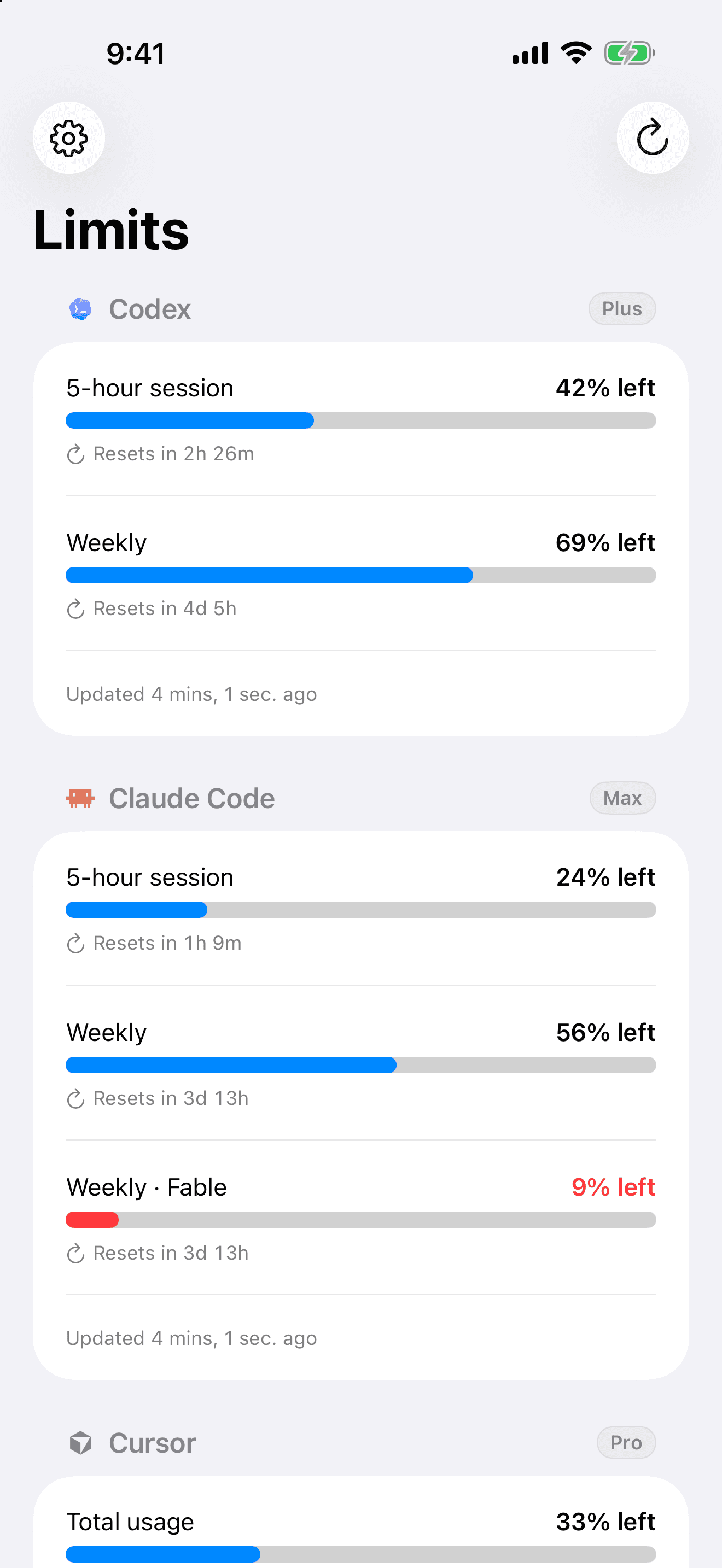
one calm view of your codex, claude code, and cursor usage, right on your iphone.
built for the tools you already live in
 Codex
Codex Claude Code
stop setting alarms.
we send the notification.
limits watches every session and weekly limit and notifies you the second it resets, so you know the exact moment you can start again. no clock app, no checking, no guessing.
glance, don't open.
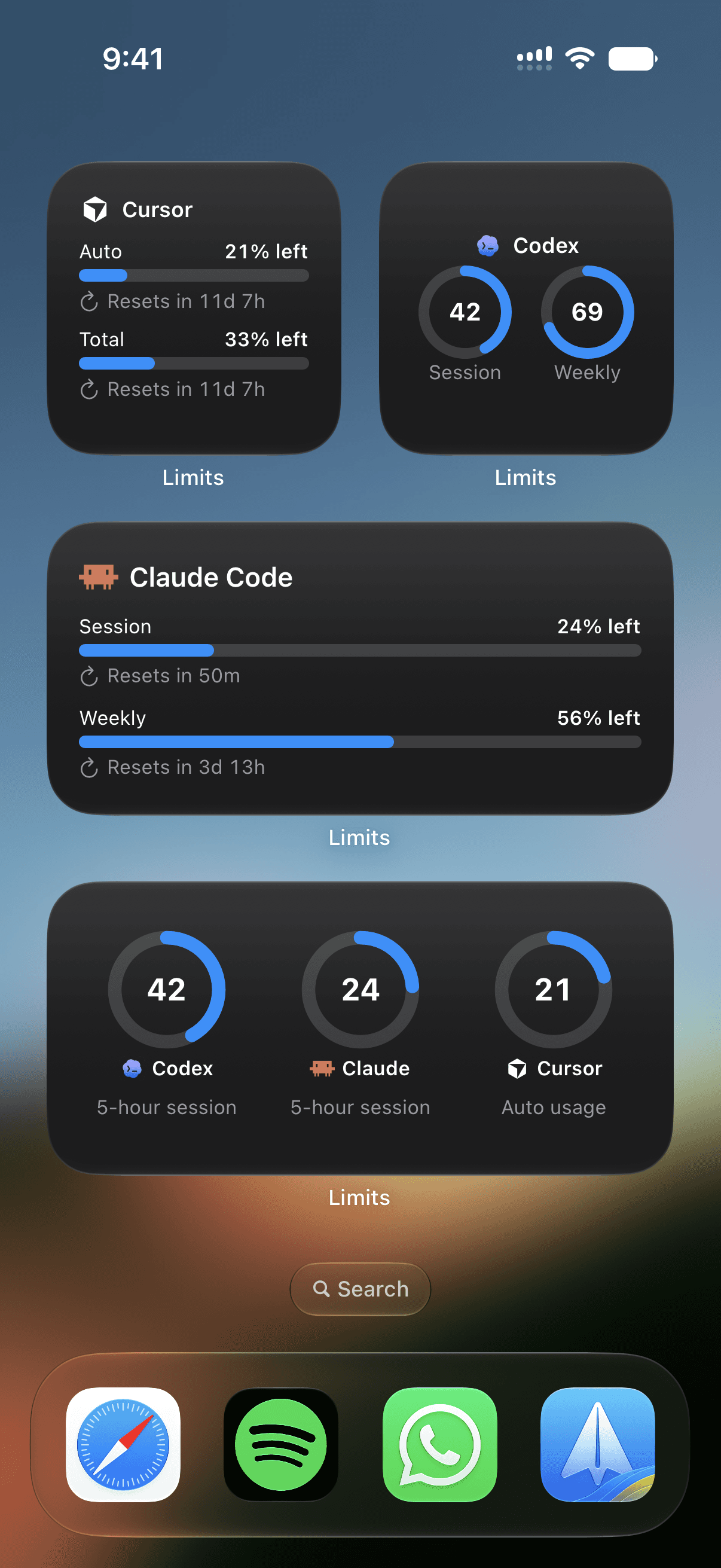
home screen and lock screen widgets keep your remaining usage in view while you build. open the app when you want the full picture.
a whole screen of signal
small, medium, and large widgets in ring or bar layouts. pick the providers that matter and arrange them your way.
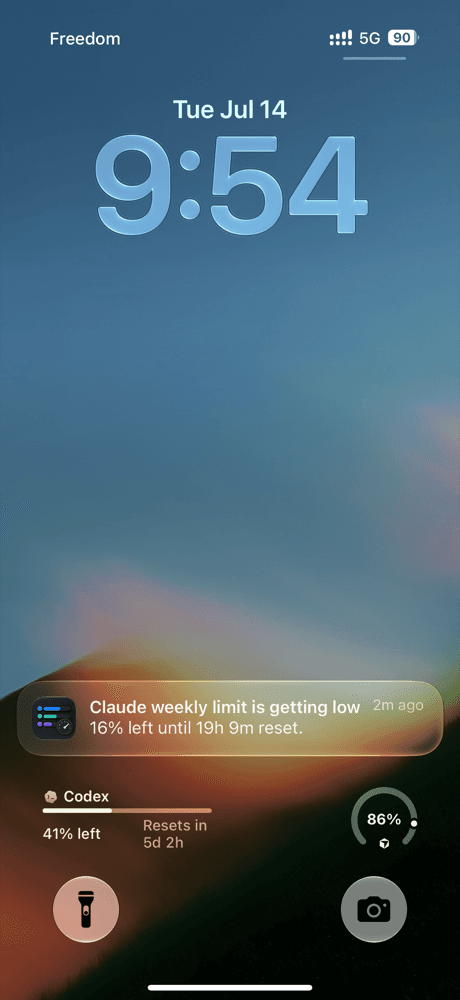
on your lock screen
keep a provider a glance away, no unlocking, no opening anything.
current to the minute
limits refreshes in the background, so the number on the widget is the real one.
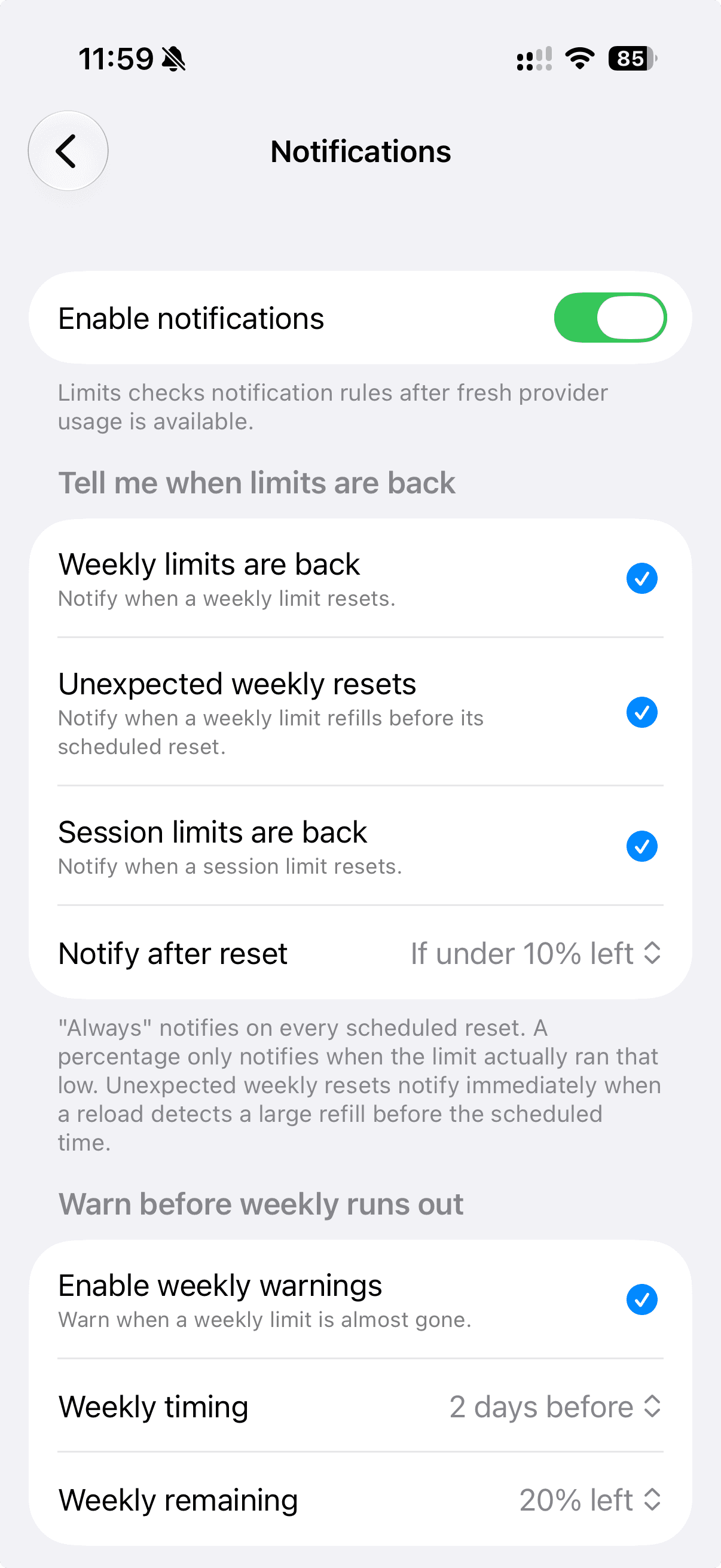
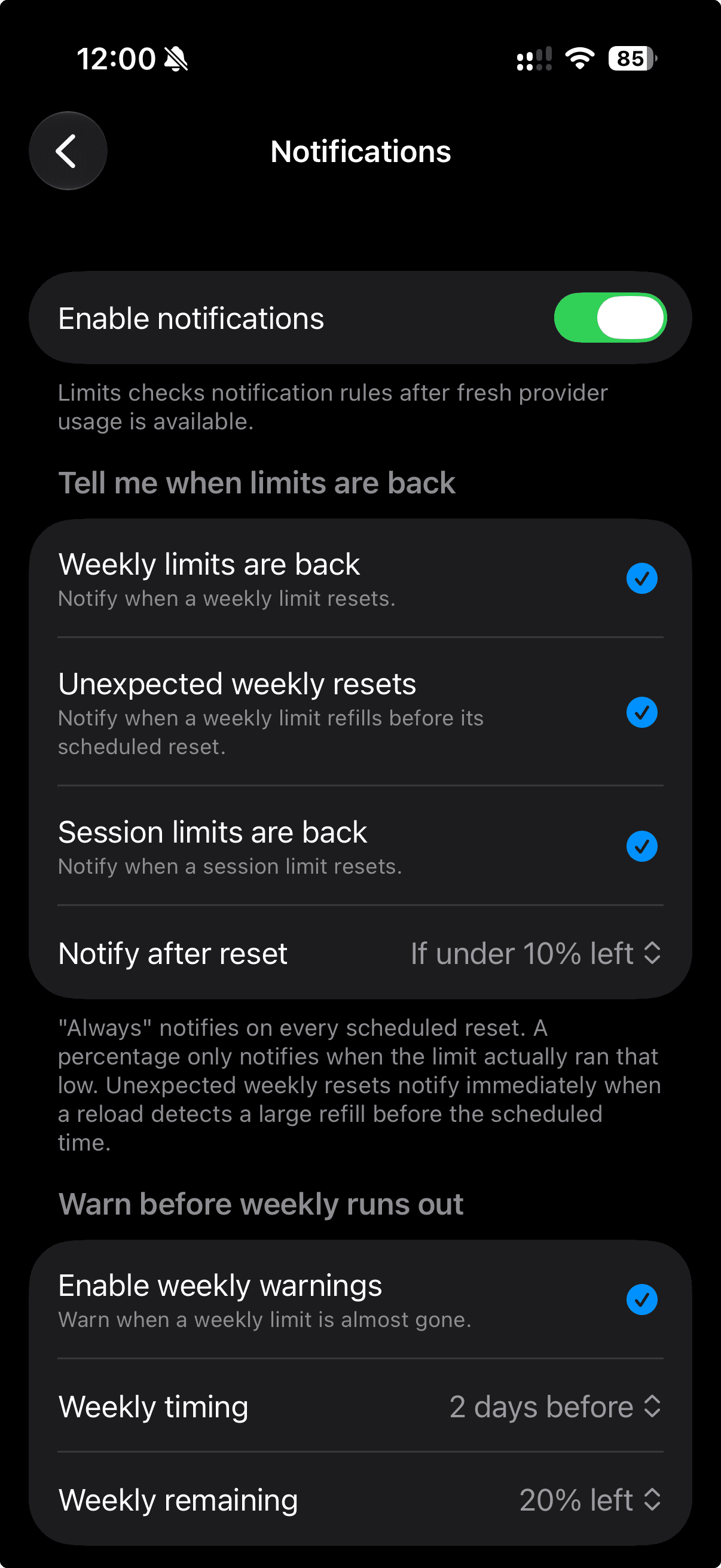
know before you hit the wall.
free reset alerts ping you the moment a session or weekly limit comes back. upgrade to Pro and limits reads your pace, then warns you before you run out mid-task.
- free
- reset alerts the moment a limit refreshes.
- pro
- predictive warnings before you run dry.
don't let your free
codex resets expire.
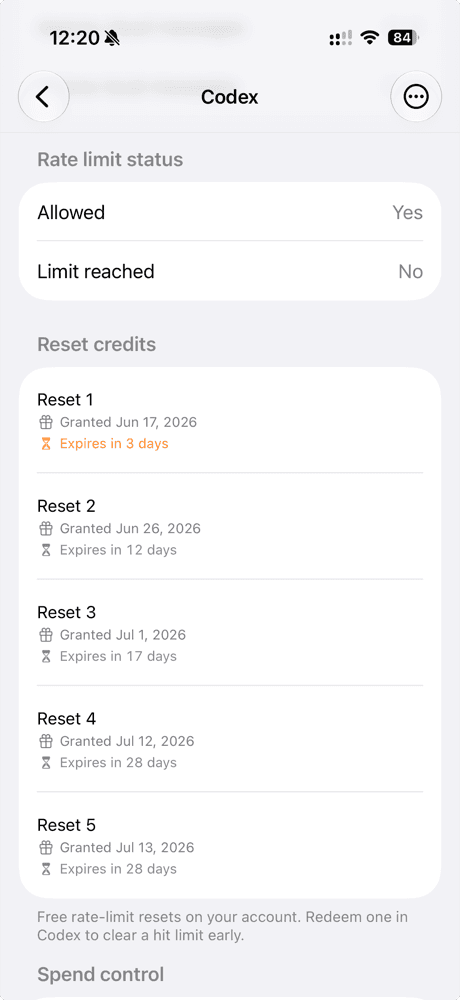
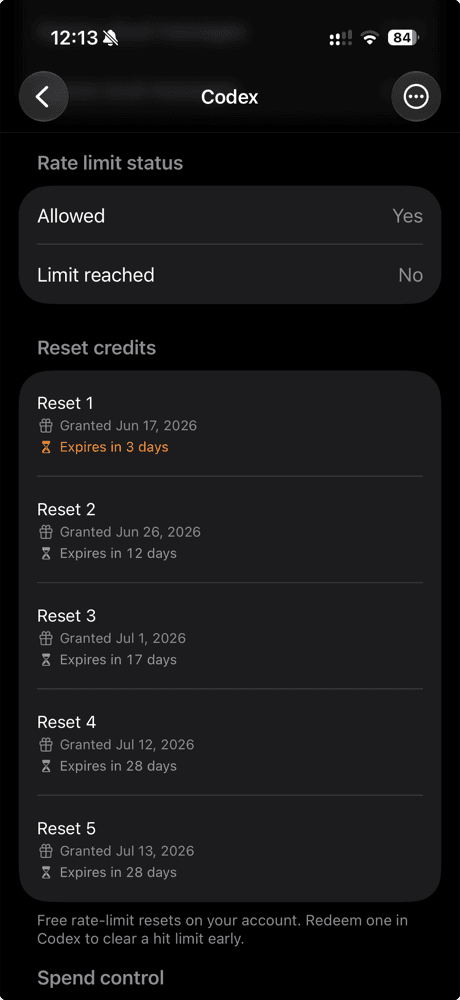
codex hands you free rate-limit resets that quietly expire in a few days, and never reminds you. limits lists every one, counts down to expiry, and nudges you to redeem it before it is gone.
your accounts stay yours.
limits connects to accounts you already pay for and never asks you to hand anything over.
on your device
usage is read and cached locally so the widgets can show it. nothing routes through a server of mine.
in the keychain
you sign in with your own provider accounts. tokens live in the iOS Keychain, encrypted, on your phone.
no tracking
no analytics, no ad SDKs, no profile. limits is not affiliated with the providers it connects to.
your ai usage, always in view.
free to start. no dashboards to log into, no clock apps to babysit.